Welcome to Knit Maker AI Engine
Design beautiful, intricate knit patterns in 3D with AI-powered tools
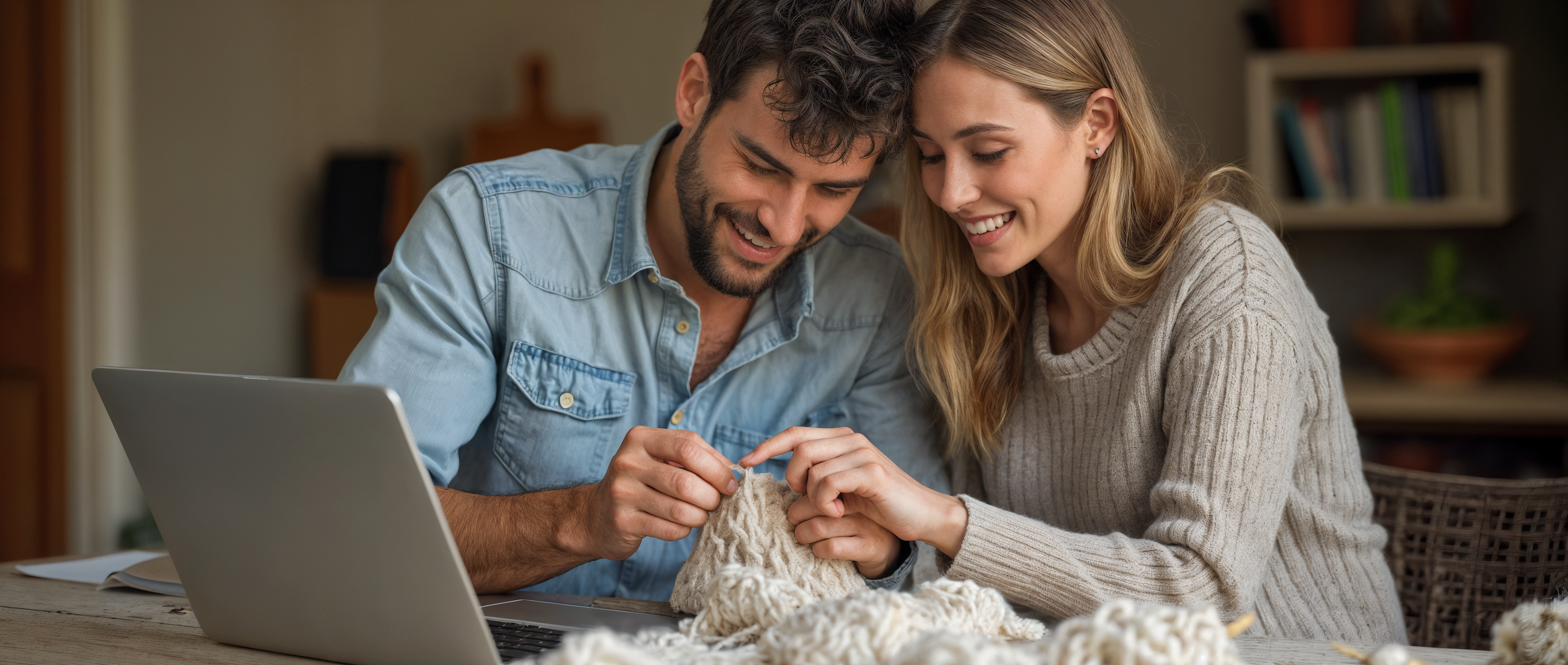
Premium yarns and patterns for your knitting projects
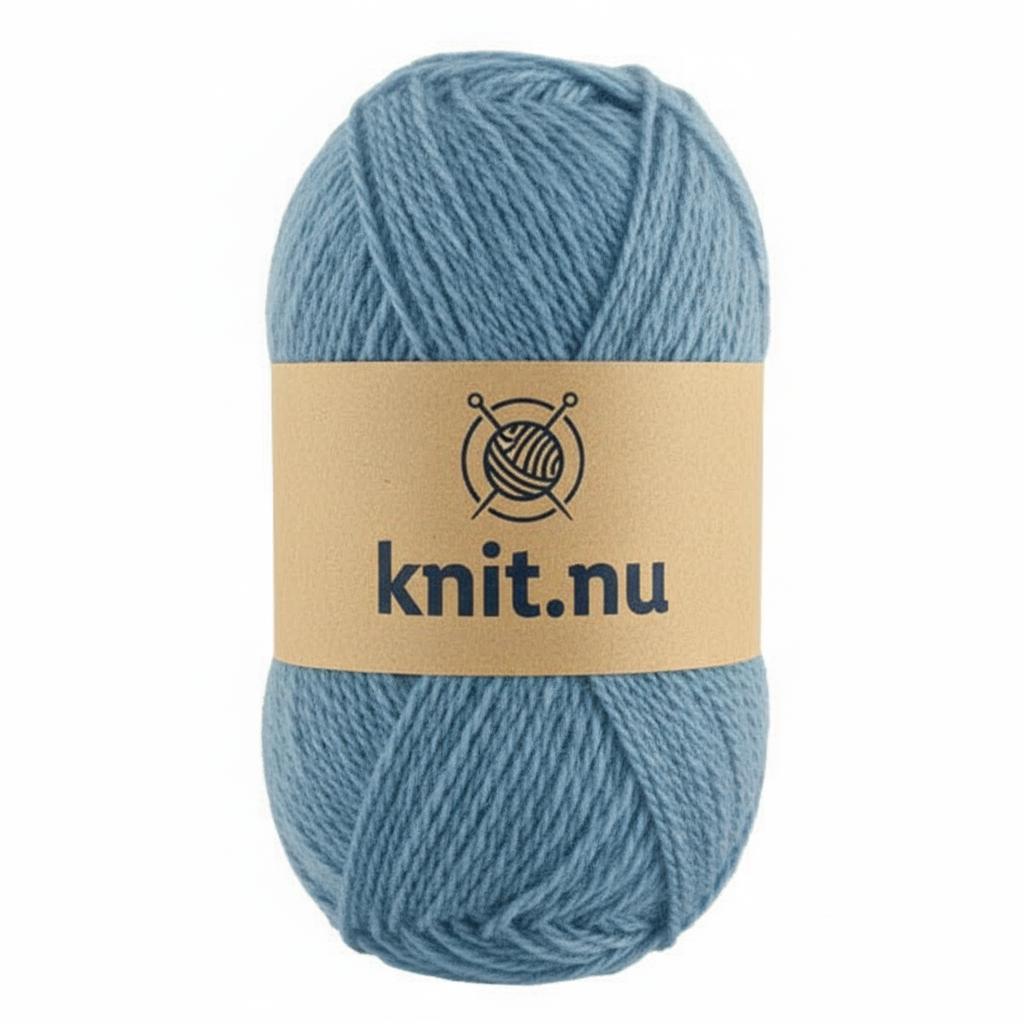
Premium Blue Merino Wool
100% Merino wool, perfect for sweaters and cardigans
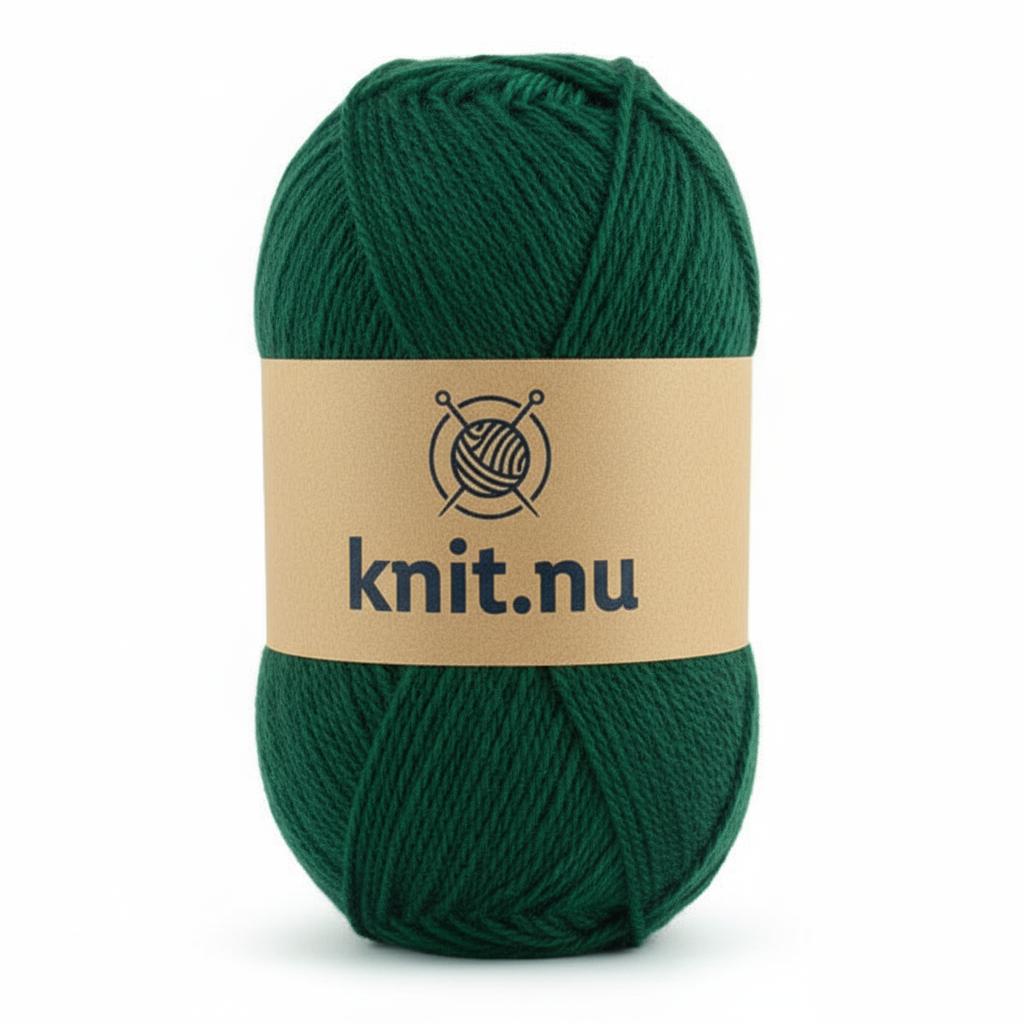
Rainbow Multicolor Collection
Vibrant rainbow yarn perfect for colorwork and fair isle patterns
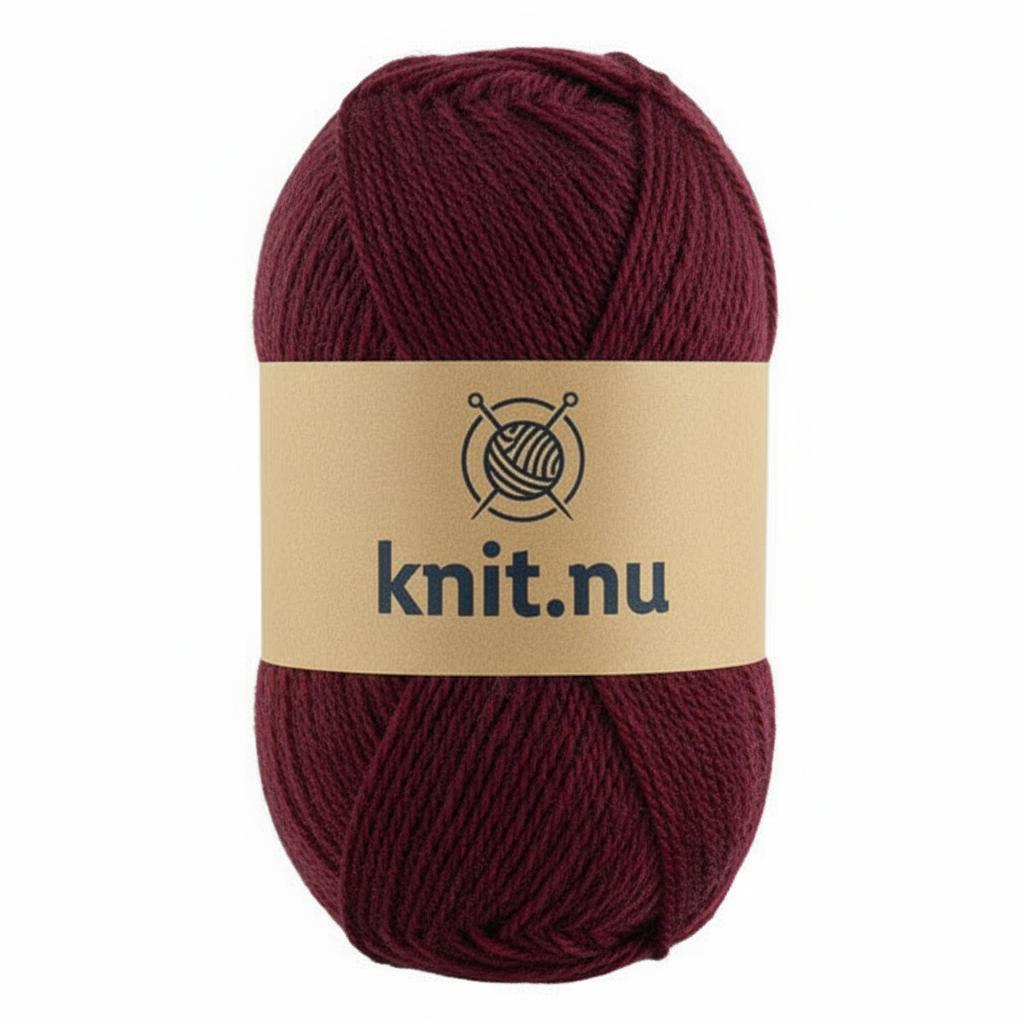
Artisan Color Collection
Hand-dyed premium yarns in sophisticated color combinations
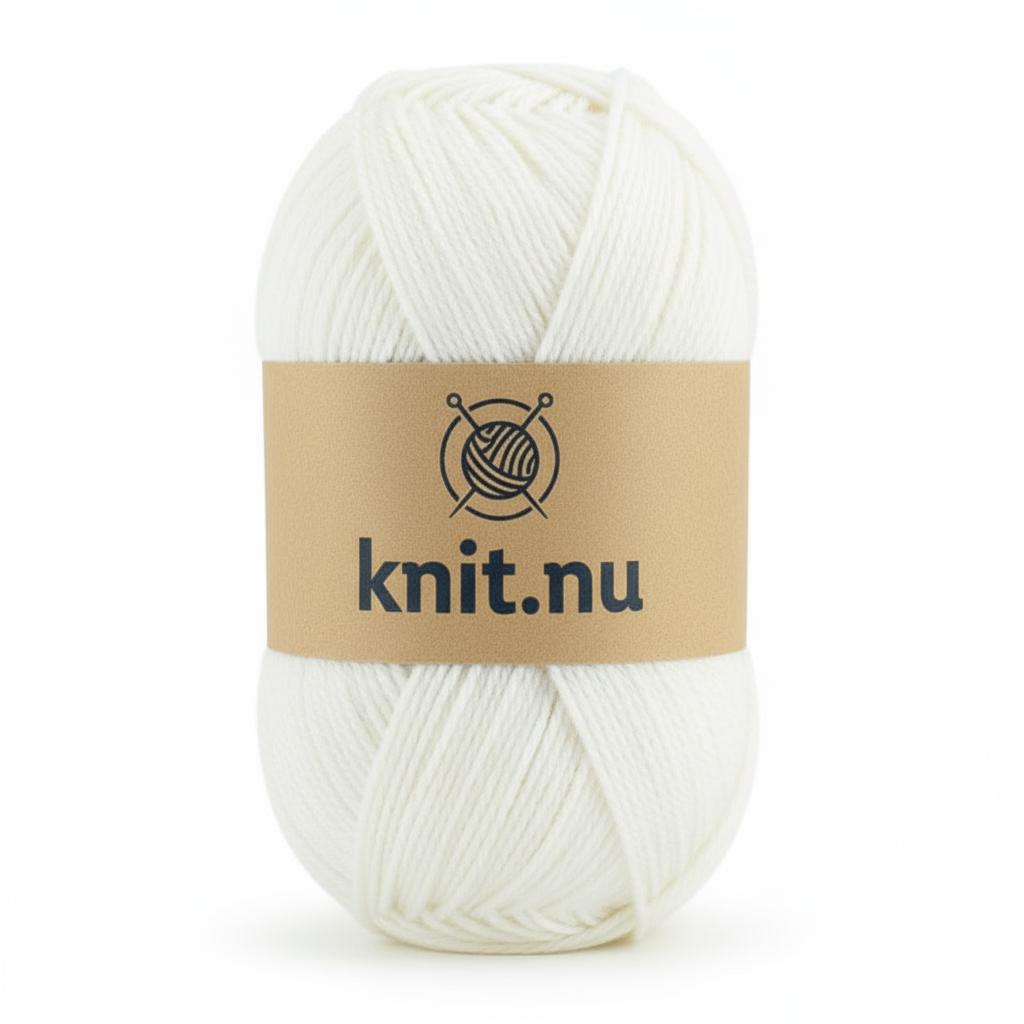
Pure White Cashmere Blend
Luxurious cashmere blend in pristine white for elegant projects
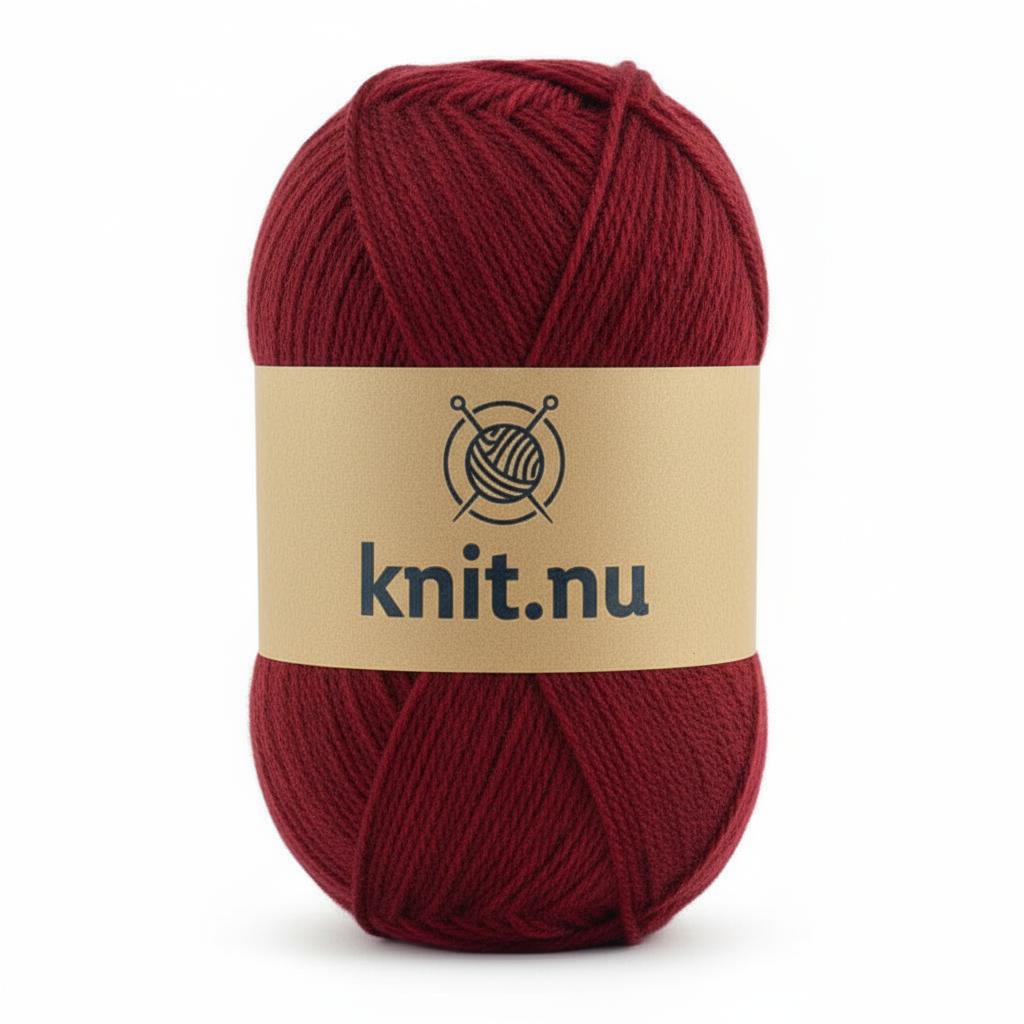
Deep Red Merino
Rich burgundy merino wool perfect for winter garments
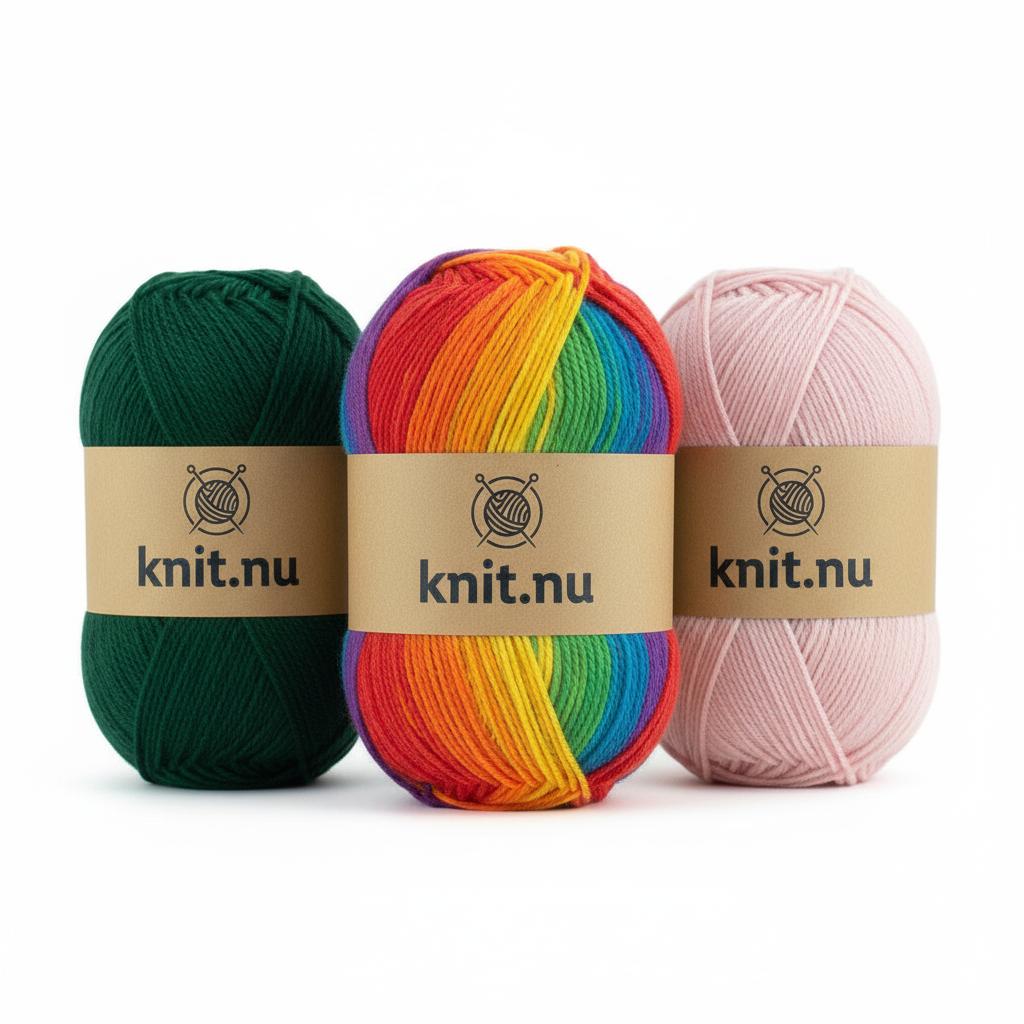
Rainbow Pink Gradient
Stunning gradient from rainbow to soft pink tones
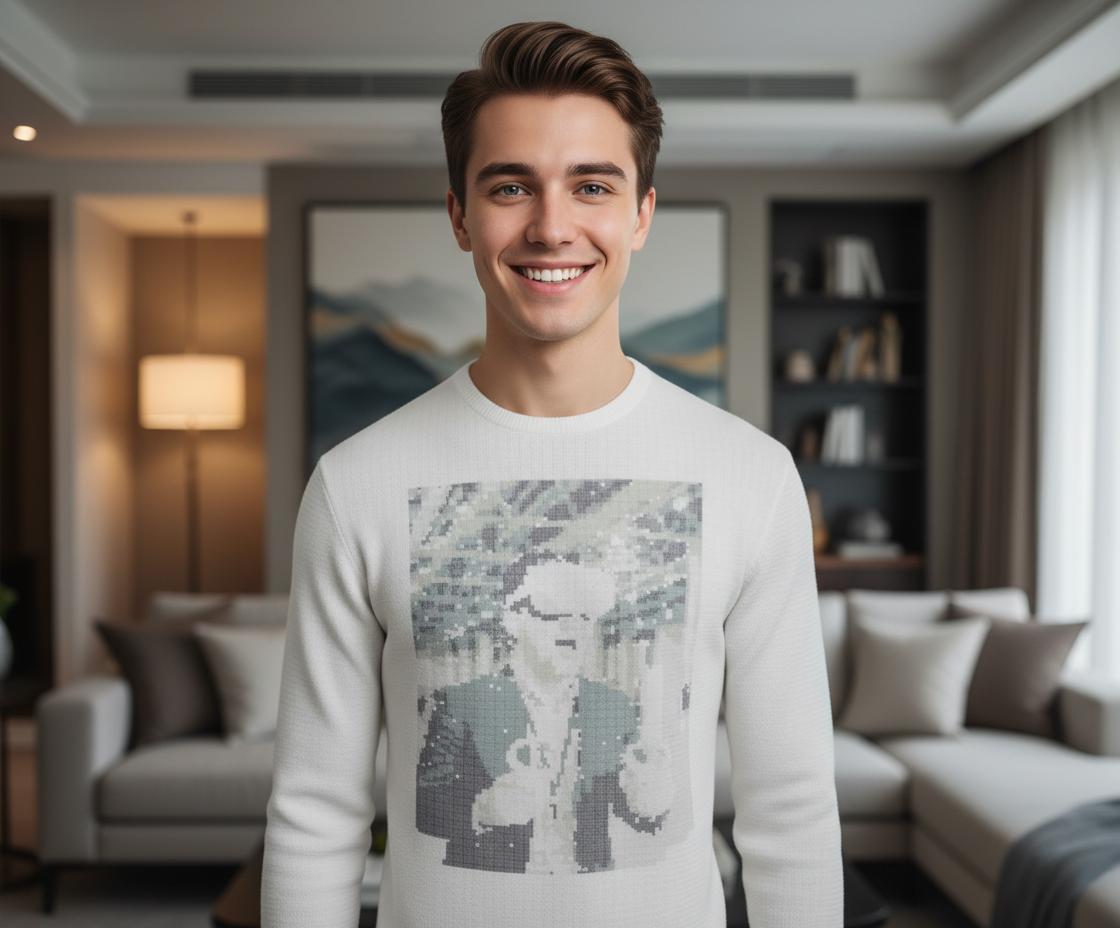
Fair Isle Sweater Pattern
Classic colorwork pattern with detailed instructions
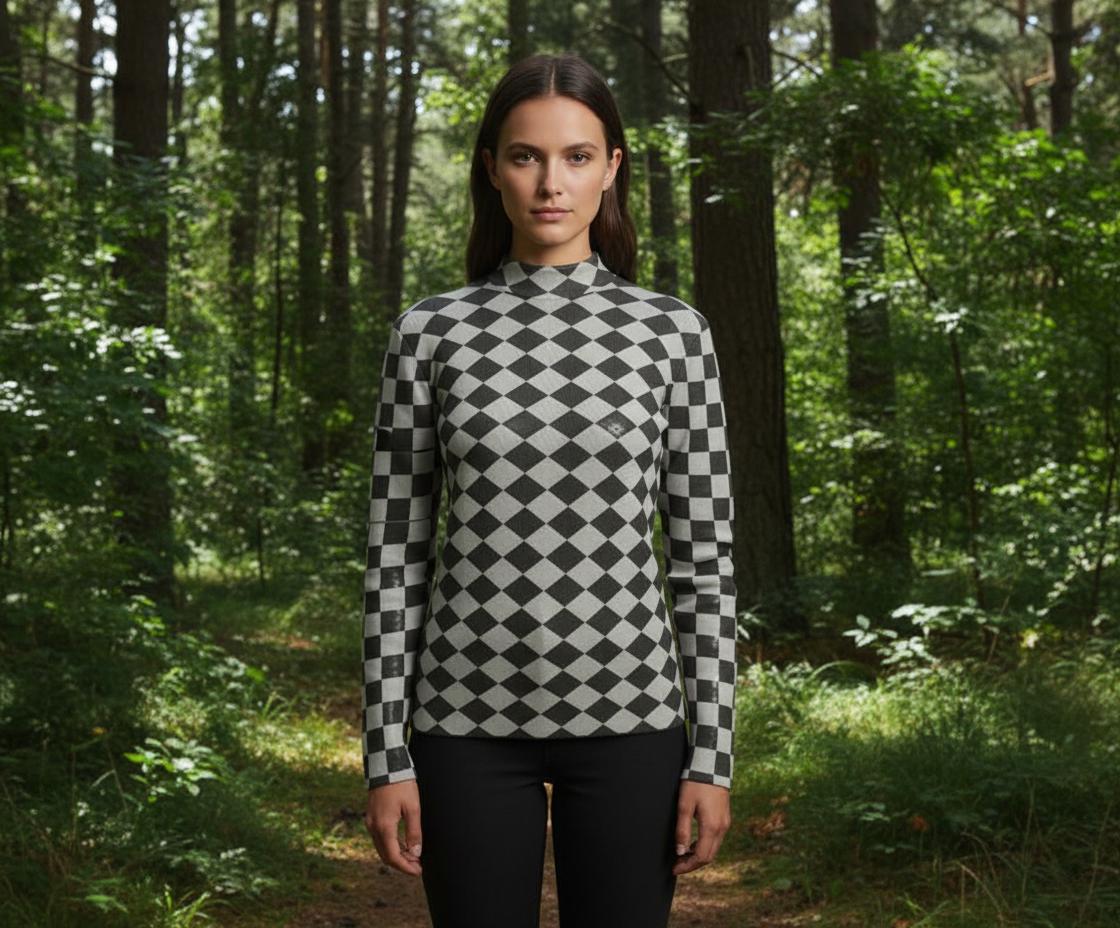
Designer Colorwork Pattern
Complex multi-color design for advanced knitters
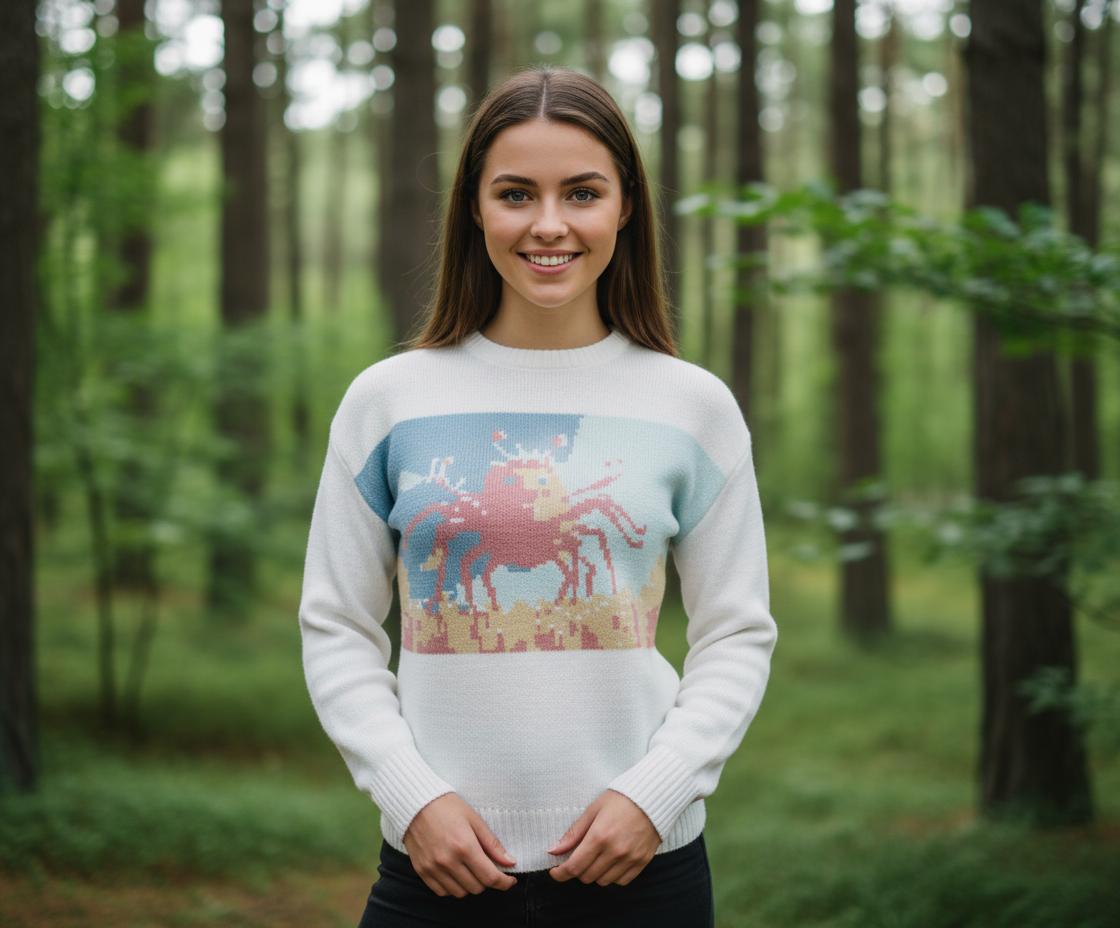
Modern Geometric Pullover
Contemporary geometric design with clean lines
Diamond Lattice Vest
Geometric pattern perfect for layering
Blue Ocean Sweater Kit
Everything you need: yarn, pattern, and needles
Autumn Cardigan Kit
Cozy cardigan in warm autumn colors
Baby Blanket Starter Kit
Perfect first project with video tutorials
📏 Dimensions
🎨 Colors
🔄 Patterns
🧶 Material
⚙️ Options
Loading 3D Model...
Pattern Library
Create, upload, and manage your knitting patterns
Horizontal Stripes
Classic horizontal stripe pattern
Checkerboard
Alternating square pattern
Diamond Pattern
Geometric diamond design
Wave Pattern
Flowing wave design
Cable Knit
Traditional cable pattern
Create New
Design your own pattern
🎨Pattern Editor
🔍 Preview
Drag & drop an image here or click to browse
🎯 Best Results: High-contrast knitting charts, traditional patterns, or diagrams.💡 Try: DROPS Design patterns, Fair Isle charts, or colorwork diagrams.
✨ Features: Auto-contrast, adaptive thresholding, and professional dithering.
📸 Original Image
✨ Enhanced Preview
🚀 Auto Enhancement
🎛️ Manual Controls
🎯 Threshold Settings
🌀 Dithering (Optional)
🎨 Color Detection (NEW!)
📚 Help Center
Complete guide to KnitMaker AI
🧶 Welcome to Knit Maker AI Engine
The most advanced 3D knitting pattern designer with AI-powered tools
🎨 Real-time 3D Visualization
See your knitting patterns come to life instantly in our advanced 3D viewport with PBR rendering and realistic lighting.
📐 Professional Pattern Tools
Create custom patterns with our advanced editor, floating controls, and grid system for precise pattern placement.
📋 Complete Instructions
Generate detailed knitting instructions, charts, and measurements ready for printing or digital reference.
🚀 What You Can Do
- Design in 3D: Create and visualize knitting patterns in real-time with our advanced 3D engine
- Custom Patterns: Draw your own patterns or convert images into knitting charts
- Precise Control: Adjust every aspect from dimensions to colors with professional tools
- Export Everything: Get PNG images, knitting instructions, and detailed charts ready for crafting
- Pattern Library: Save, organize, and reuse your favorite patterns
💡 New to Knitting?
No problem! Knit Maker AI Engine generates complete instructions, stitch counts, and visual guides. Our help system covers everything from basic concepts to advanced techniques.
🚀 Quick Start Guide
Get started with Knit Maker AI Engine in just a few steps
Step 1: Access the 3D Designer
Click "3D Designer" in the top menu or the "🎨 Start Designing" button on the home page.
Step 2: Explore the Interface
- Left Panels: Dimensions, Colors, Patterns, Materials, and Options
- 3D Viewport: Real-time 3D garment preview with camera controls
- 2D Front View: Technical drawing with measurements and pattern controls
Step 3: Customize Your Garment
Start with basic adjustments:
- 📏 Dimensions: Set body width, height, sleeve length (in CM)
- 🎨 Colors: Choose base color, pattern color, and individual part colors
- 🔄 Patterns: Select from built-in patterns or create custom ones
Step 4: Use Advanced Features
- Pattern Controls: Press P or click 🎨 Pattern Controls for floating manipulation window
- Grid System: Press G or click ⊞ Toggle Grid for precise alignment
- Material Modes: Switch between Unlit and PBR rendering for different visual styles
Step 5: Export Your Design
When you're happy with your design:
- 📋 View Instructions: Click to see complete knitting guide with charts
- 📷 Export PNG: Save high-quality images of your design
- 📚 Pattern Library: Save your pattern for future use
✅ You're Ready!
You now have the basics to start creating amazing knitting patterns. Explore the detailed help sections for advanced features and professional techniques.
🖥️ Interface Tour
Complete overview of the Knit Maker AI Engine interface
📱 Top Navigation
- 🏠 Home: Welcome screen and feature overview
- 🎨 3D Designer: Main design interface with 3D viewport
- 📚 Pattern Library: Create, edit, and manage patterns
- 📚 Help: This comprehensive help system
- ⚙️ Settings: Application preferences
🎛️ Control Panels (Left Side)
📏 Dimensions Panel
Control garment size in real centimeters. Toggle between CM and scale values. Includes overall size, body width/height, sleeve length, and neck size.
🎨 Colors Panel
Set base color, pattern color, and individual colors for body, sleeves, neck, hem, and cuffs. Each part can have its own color.
🔄 Patterns Panel
Choose pattern types, adjust size and intensity, control position and rotation. Includes horizontal/vertical stretch controls.
🧶 Material Panel
Adjust knit density, texture roughness, and knit bump for realistic fabric appearance.
⚙️ Options Panel
Toggle front/back/sleeve patterns, reset settings, and randomize designs.
🖼️ Viewport Area
Split View Layout:
- Left Side - 3D Viewport: Real-time 3D garment with camera controls, material mode buttons, and view options
- Right Side - 2D Front View: Technical garment drawing with measurements, pattern preview, and export controls
- Bottom Controls: Camera rotation, front/back view, wireframe, material modes (Unlit/PBR)
🎯 Quick Access Features
- 🎨 Pattern Controls Button: Activates floating pattern manipulation window
- ⊞ Toggle Grid Button: Shows/hides alignment grid in 2D view
- 📏 Hide/Show Measurements: Toggle technical dimensions on 2D view
- 📋 View Instructions: Opens comprehensive knitting guide overlay
- 💎 PBR / 🌟 Unlit: Switch between realistic and simple rendering modes
🎨 3D Viewport
Master the 3D visualization and camera controls
🎮 Camera Controls
Mouse Controls:
- Left Click + Drag: Orbit around the garment
- Right Click + Drag: Pan the view
- Mouse Wheel: Zoom in/out (cursor-focused zooming)
- Double Click: Reset camera to default position
🔲 View Controls
🔄 Rotate
Auto-rotate the garment for 360° viewing
👕 Front View
Snap to front-facing view
👔 Back View
Snap to back-facing view
🔲 Wireframe
Toggle wireframe overlay
💎 Material Rendering Modes
💎 PBR Mode (Default)
Physically Based Rendering with realistic lighting, shadows, and material properties. Best for final design review and presentation.
- Realistic fabric textures and lighting
- Accurate shadows and reflections
- Professional visual quality
🌟 Unlit Mode
Simple, flat rendering without complex lighting. Faster performance for design iteration and pattern work.
- Fast rendering performance
- Clear pattern visibility
- Simplified visual style
⚡ Performance Tips
- High-end devices: Use PBR mode for best visual quality
- Older devices: Switch to Unlit mode for smoother performance
- Pattern work: Unlit mode often shows pattern details more clearly
- Final review: Always check your design in PBR mode before exporting
🎨 Pattern Controls
Master the floating pattern manipulation system for precise control
🪟 Floating Control Window
The Pattern Controls provide a professional floating window interface for precise pattern manipulation:
- 🪟 Draggable Window: Move anywhere on screen by dragging the title bar
- 📐 Minimize/Restore: Collapse to save screen space when not needed
- 🎯 Direct Controls: Instant pattern adjustments without menu navigation
- 📱 Always Accessible: Stays open while you work in other areas
🚀 Activation Methods
🎨 Button Click
Click "Pattern Controls" button in 2D view controls
⌨️ Keyboard
Press P key for instant toggle
🎛️ Control Sections
📍 Position Controls
- ⬅️ Left / ➡️ Right: Move pattern horizontally
- ⬆️ Up / ⬇️ Down: Move pattern vertically
- Fine Control: Hold Shift for precise adjustments
🔍 Scale Controls
- 🔍 Larger: Increase pattern size uniformly
- 🔎 Smaller: Decrease pattern size uniformly
- Live Preview: See changes instantly in both 2D and 3D views
⚡ Quick Actions
- 📍 Center: Reset pattern to center position
- 🔄 Reset: Return all pattern transforms to default
- One-Click: Instant pattern corrections
📐 Grid Settings
- ⊞ Toggle Grid: Show/hide alignment grid
- Size Slider: Adjust grid spacing (10-50 units)
- Visual Guides: Center axes for precise alignment
⌨️ Keyboard Shortcuts
Movement:
- ↑↓←→ Arrow Keys
- Shift + Arrows (Fine)
Scaling:
- + / = Larger
- - / _ Smaller
- Ctrl + Scroll
Actions:
- P Toggle Controls
- G Toggle Grid
- Ctrl + R Reset
🖱️ Mouse Controls
- Shift + Drag: Move pattern with mouse precision
- Ctrl + Scroll: Scale pattern while hovering over 2D view
- Window Drag: Drag floating window by title bar
- Real-time Update: All mouse actions update both 2D and 3D views instantly
💡 Pro Tips
- Pattern Center Indicator: Red crosshair shows exact pattern center when controls are active
- Live Feedback: Position and scale values appear at bottom of screen during adjustments
- Grid Alignment: Use grid lines to align patterns perfectly with garment features
- Multiple Methods: Combine keyboard, mouse, and button controls for fastest workflow
⌨️ Keyboard Shortcuts
Master all keyboard shortcuts for efficient workflow
🎨 Pattern Controls
📐 Grid & View
🎛️ Pattern Editor
🖱️ Mouse Controls
💡 Productivity Tips
- Combine Methods: Use keyboard for quick adjustments, mouse for precision
- Shift Modifier: Hold Shift with any movement for fine control
- Pattern Focus: Activate Pattern Controls (P) before using pattern shortcuts
- Grid Reference: Enable grid (G) for precise pattern alignment
- Reset Often: Use Ctrl+R to reset pattern when starting new adjustments
📐 2D Front View
Detailed explanation of the 2D technical view, measurements, and export features...
🎮 Camera Controls
Complete guide to camera navigation and viewport controls...
🧶 Materials & Rendering
Understanding PBR vs Unlit rendering, material properties, and visual quality...
Settings
Customize your Knit Maker AI Engine experience